
The tech worth your time, ranked.
Top 10 lists and step-by-step guides on AI, cars, laptops, phones, gadgets and security. Every pick explained, every list with sources you can check.
Built for people who want the short answer
Ranked on real criteria
Every pick is compared on the same features, so a #3 is #3 for a reason.
Local to your country
Separate versions for the USA, UK and Australia, with tools and rules that apply where you live.
Sources you can check
Official sites and trusted references are linked in every article.
Visual by design
Tables, comparisons and checklists as colourful infographics you can scan in seconds.
Latest Top 10s
-
Top 10 AI Tools for Small Businesses in the USA (2026)
From ChatGPT and Microsoft 365 Copilot to AI inside QuickBooks, Square and Gusto, these are the AI tools…
-

Top 10 AI Tools for Small Businesses in the UK (2026)
From Microsoft 365 Copilot to AI inside Xero, Sage and FreeAgent, these are the AI tools that suit…
-
Top 10 AI Tools for Small Businesses in Australia (2026)
From Canva and Xero to AI inside MYOB, Employment Hero and Deputy, these are the AI tools that…
-
Top 10 EV Charging Networks in the USA (2026)
Which public fast-charging networks are worth your time in America? Our 2026 guide covers Tesla, Ionna, Electrify America,…
-
Top 10 EV Charging Networks in the UK (2026)
From motorway hubs to lamp-post chargers, these are the UK public charging networks worth knowing in 2026, and…
-
Top 10 EV Charging Networks in Australia (2026)
Planning a long drive in an EV? These are the Australian public charging networks worth knowing in 2026,…
Choose your region
From a hundred options to a clear Top 10
Pick one topic
One clear question per list, like the best AI coding assistants or the safest way to store crypto.
Compare on the same criteria
All ten picks are checked against the same features, using official specs and trusted sources.
Get ten picks you can act on
Who each pick is best for, pros and cons, infographics and the sources behind it.
Browse by topic
Guides
-
How to Install a Home EV Charger in the USA: A Step-by-Step Guide
-

How to Write Better AI Prompts: A Beginner’s Guide for ChatGPT, Claude and Gemini
-
How to Set Up Passkeys on Your Google, Apple and Microsoft Accounts
-
How to Choose a Laptop for Programming: A Step-by-Step Buying Guide
-
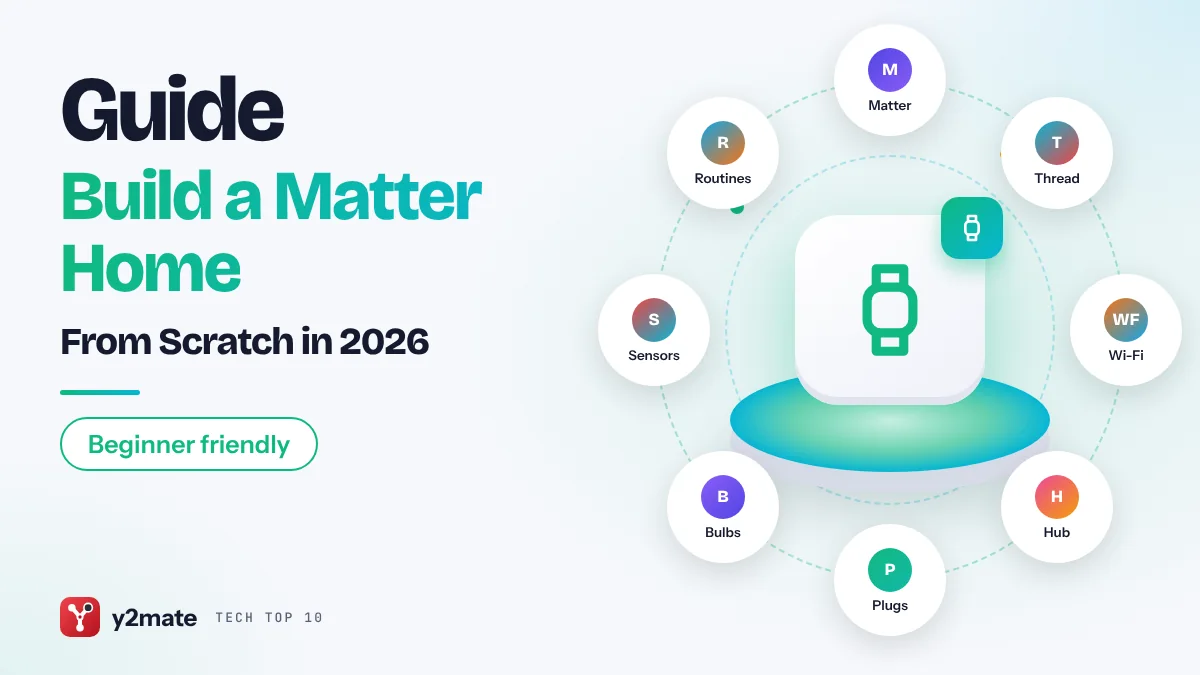
How to Build a Matter Smart Home From Scratch
Questions, answered
What is Y2Mate?
Y2Mate publishes ranked Top 10 lists and step-by-step guides about technology: AI, cars and EVs, blockchain, laptops, phones, gadgets, gaming and cybersecurity.
How do you rank the Top 10 picks?
Every list compares all ten picks on the same criteria using official specs, documentation and widely reported user feedback. Each pick says who it is best for, with pros, cons and sources you can check.
Do you cover the USA, UK and Australia separately?
Yes. Topics get separate versions for readers in the USA, the UK and Australia, because the tools, companies, availability and rules differ between them.
How often is new content published?
New Top 10 lists go up every day, with new step-by-step guides added regularly.
Are your rankings paid?
No. Some links may earn a commission, but that never changes a ranking. See our affiliate disclosure for details.
A new Top 10, every single day.
Bookmark Y2Mate or follow the RSS feed to get each list the moment it goes live.